
Canned Web

LOCK A MAC TO ONE WEBSITE. FULL SCREEN.

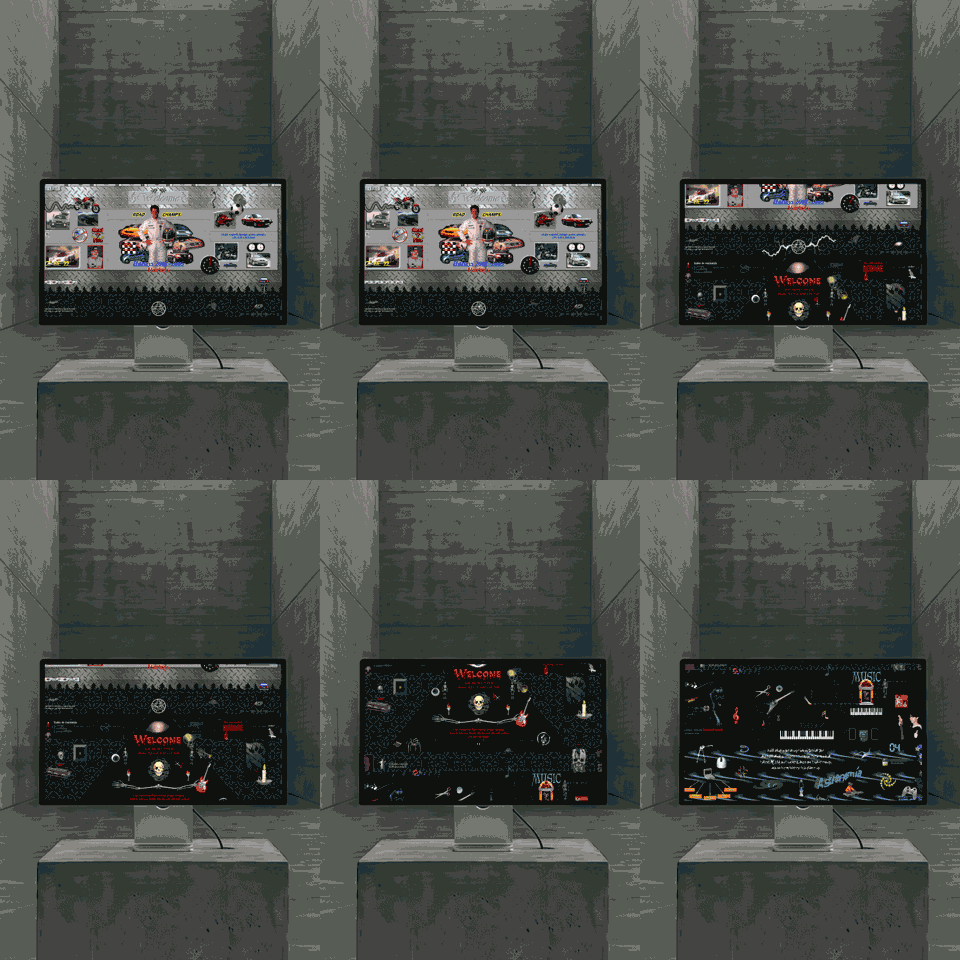
Canned Web — at an exhibition
Locked

VISITORS CAN'T ESCAPE

Full screen. No dock, no menu bar, no address bar. Spotlight and Cmd-Tab stop working. Visitors see your site and nothing behind it.
Sealing gif
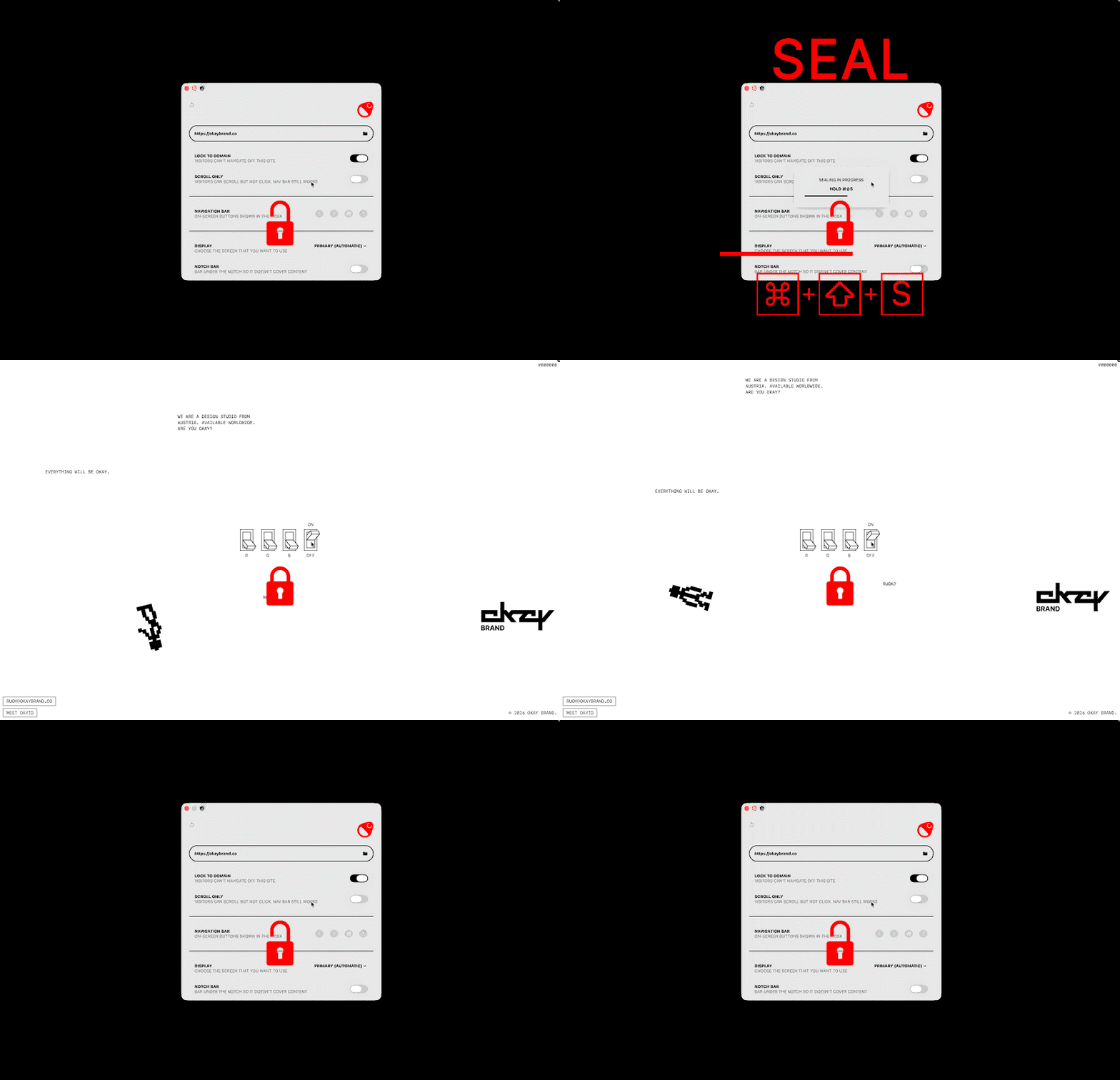
+ + S

Seal Your Website

Point Canned Web at any URL and seal it with one keyboard shortcut. No config files, no MDM, no profiles — setup takes seconds.

SCROLL, TAP, EXPLORE

Locked down doesn't mean frozen. Visitors scroll, tap, type and click your site exactly as built. The lockdown blocks the exits, not the experience.
Password screenshot

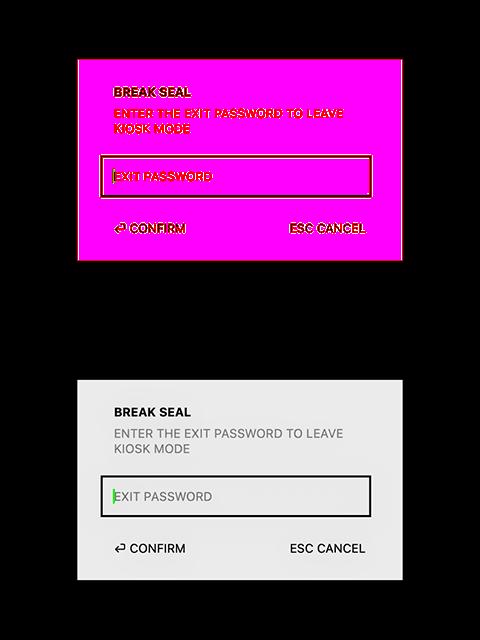
Password Protected

Only your password breaks the seal. Leave the Mac in public knowing nobody can quit the app or wander into the system.

How it works video
+ + S
Free Download

How It Works

Enter a URL, seal it, and hand the Mac to the public. Type your password to unseal when the day's done. That's the whole workflow — no manual required.

Pricing

One time purchase — future updates included

Single
Machine

€ 49.00

One license for one machine. Full feature set.

Buy Now

2–10
Machines

€ 39.00/MACHINE

More machines. Lower price. Full feature set.

Buy Now

Need
More?

Looking for more or something different? Reach out and we will find a solution for you.

Get In Touch

Features

Kiosk mode for your website on macOS

Seal any website
Lock a site fullscreen — visitors use it but can’t reach the Mac.
Full keyboard lock
Blocks Spotlight, Cmd-Tab, Cmd-Q, Mission Control and media keys.
⌘⇧S seal gesture
One hold-to-seal, hold-again-to-exit gesture. The only way out.
Exit password
Optionally require a password to leave kiosk mode.
Lock to one domain
Keep visitors on your site — off-site links don’t navigate.
Scroll-only mode
Let visitors scroll but not click. The nav bar still works.
Remote or local sites
Point at a URL, or run a website folder stored on the Mac.
Works fully offline
Local sites need no internet — assets and routing just work.
On-screen controls
Optional back / forward / home / refresh, positioned as you like.
Pick the display
Run the kiosk on any connected screen.
Auto-start at login
Boots straight into the sealed site, unattended.
Crash auto-relaunch
A watchdog brings the kiosk back if it exits unexpectedly.
Idle refresh
Returns to the home page after inactivity, ready for the next visitor.
Usage analytics
Anonymous, on-device — see how much the display gets used.
Silent auto-updates
Updates install quietly in off-hours; operators can turn it off.
One-time purchase
No subscription. Future updates included.